“I expected a work laptop. I did not expect to be playing Tekken 8 on it.”
There is one question that matters with any 2-in-1 laptop: is it a good laptop that happens to fold, or a so-so laptop hiding behind a clever hinge? I have spent the last two weeks trying to answer that with the MSI Prestige 14 Flip AI+, and the short version is that it falls firmly in the first camp.
If you are new to the idea, a 2-in-1 laptop is a laptop whose screen folds all the way back so it can be used as a tablet, usually with touch and pen support. The Prestige 14 Flip AI+ does exactly that, and it does it while weighing 1.37kg and running Intel’s new Core Ultra Series 3 chips with Arc graphics built in.
The MSI Prestige 14 line has always been about work first. This one still is, but it turns out to be a lot more fun than its business-laptop label suggests.
Specs
As always, I will list the specifications right here before I get further into my review. These are for the unit I tested, the D3MTG-001US. The Malaysian versions differ slightly, which I cover in the pricing section.
| Component | Specification |
|---|---|
| Processor | Intel Core Ultra X7 358H (16 cores, up to 5.1GHz) |
| Graphics | Intel Arc B390 (12 Xe3 cores) |
| Memory | 32GB LPDDR5x, 8533MT/s, onboard |
| Storage | 1TB NVMe PCIe Gen4 SSD |
| Display | 14-inch FHD+ (1920 x 1200) OLED, 16:10, 60Hz, touchscreen, 100% DCI-P3 |
| Pen | MSI Nano Pen, stored and charged in the chassis |
| Battery | 81Wh |
| Charging | USB-C Power Delivery |
| Ports | 2x Thunderbolt 4, 2x USB 3.2 Gen 2 Type-A, HDMI 2.1, 3.5mm audio jack |
| Wireless | Wi-Fi 7, Bluetooth 6.0 |
| Weight | 1.37kg |
| Thickness | 11.9mm to 13.9mm |
| Colour | Grey-silver (Platinum Gray in Malaysia) |
| Price (Malaysia) | RM8,899 for the D3MTG-224MY at the MSI Malaysia store |
First Impression: Thin, Light and Ready to Flip
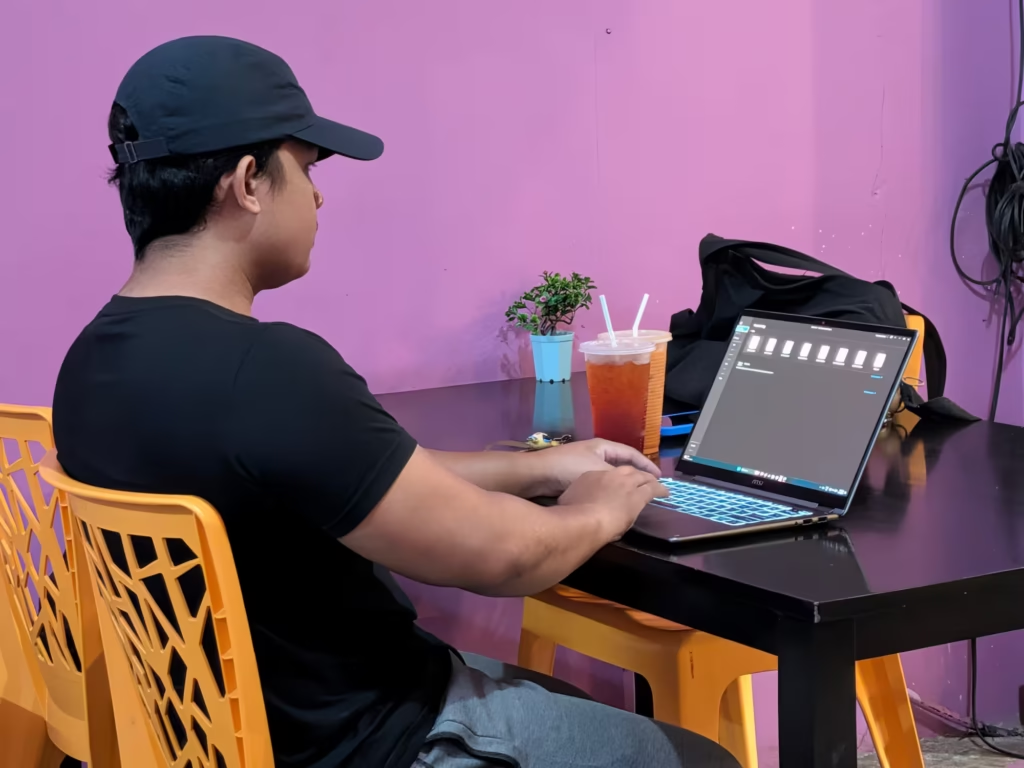
At 1.37kg, it is a laptop I did not mind carrying all day
The first thing I noticed when I took the Prestige 14 Flip AI+ out of the box was how little there was of it. It measures 11.9mm at its thinnest and 13.9mm at its thickest, and at 1.37kg it sits comfortably in the lightweight laptop bracket. For a 14-inch laptop with a full Arc GPU inside, that is impressive.
The finish is a quiet grey-silver that looks more boardroom than gaming den, which suits the Prestige name. The screen is covered in Corning Gorilla Glass, and the whole thing feels solid in the hand rather than flimsy.
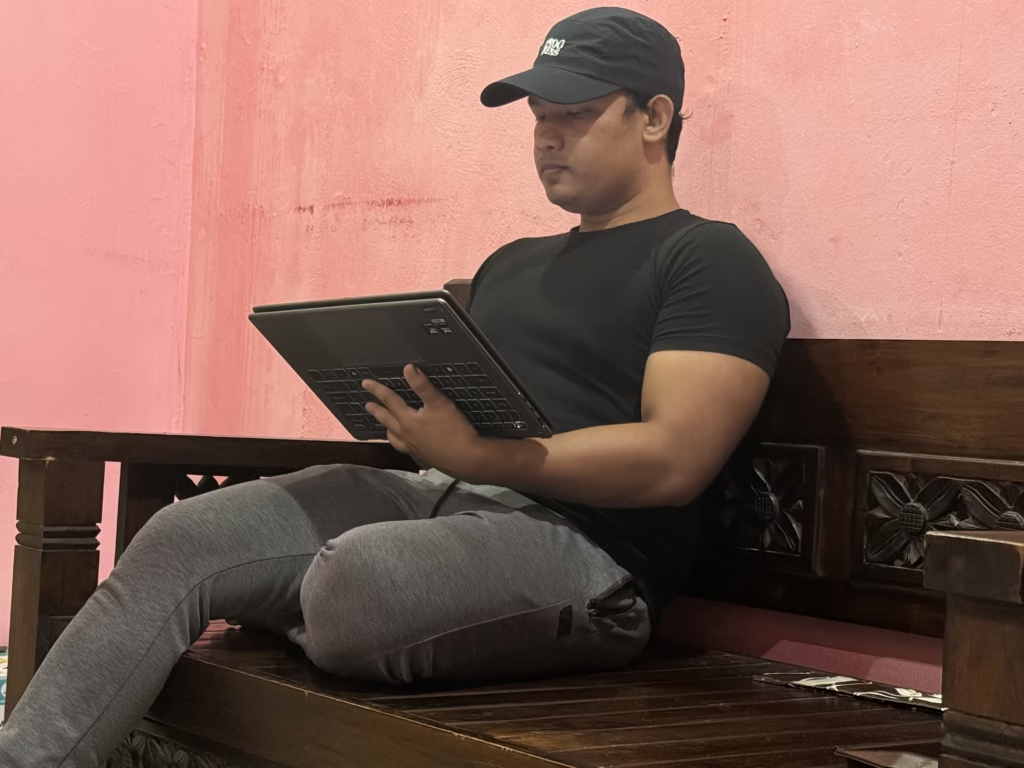
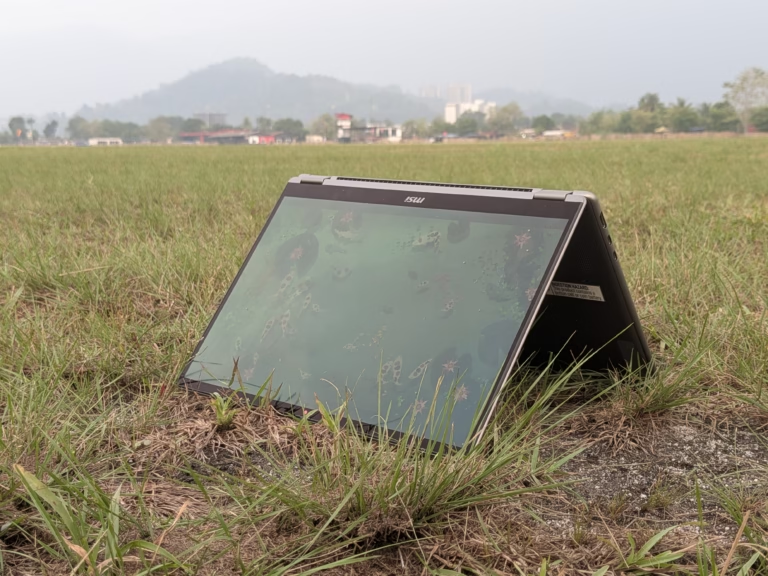
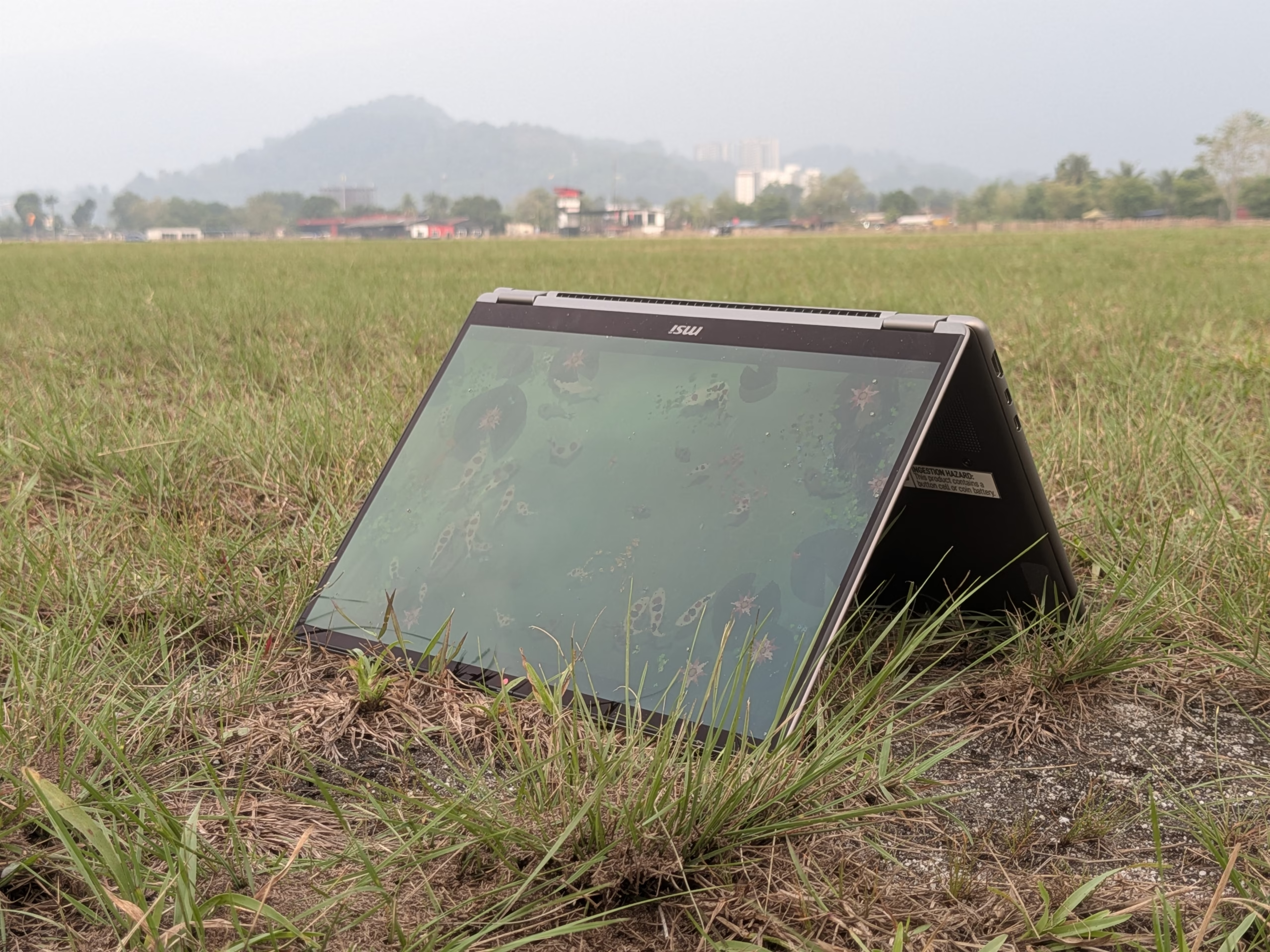
The real party trick is the 360-degree hinge. This is a flip laptop in the truest sense: fold the screen back and it becomes a tablet laptop, prop it up like a tent for watching videos, or flip it into stand mode for a video call on a cramped café table. Moving between modes takes a second, and it quickly becomes second nature.
After two weeks of carrying it around, I can say this is a thin and light laptop that you do not have to think about. It slips into a regular backpack sleeve, and my shoulders were not complaining at the end of the day.
The Main Powerhouse: Intel’s Panther Lake Platform
Premiere Pro and a browser full of tabs, with no crashes
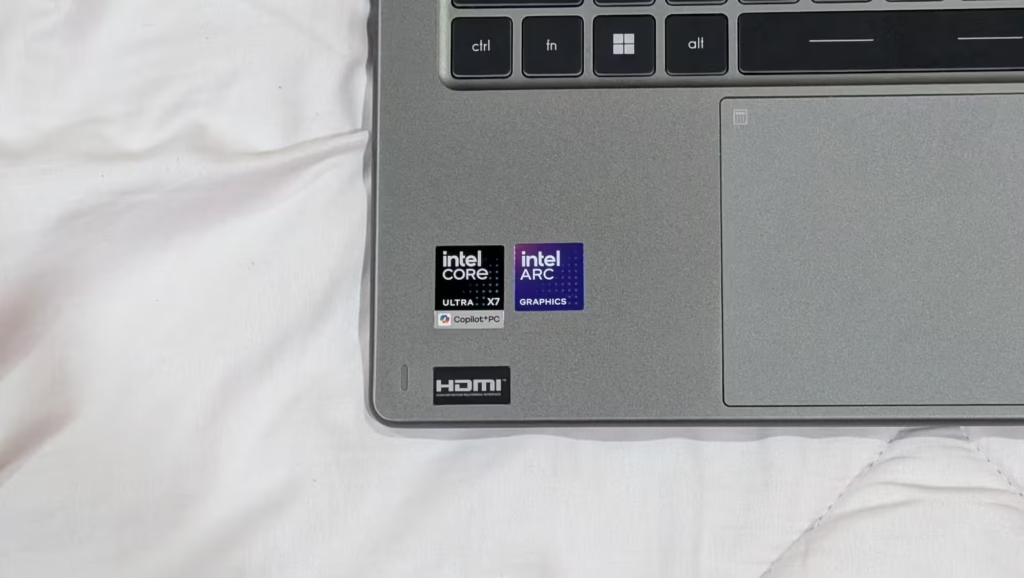
Inside my unit is the Intel Core Ultra X7 358H, part of the Core Ultra Series 3 family that Intel developed under the code name Panther Lake. It packs 16 cores split across performance, efficiency and low-power efficiency cores, with a boost clock of up to 5.1GHz. There is also a dedicated NPU for on-device AI, which MSI rates at up to 50 TOPS, so this qualifies as a Copilot+ PC.
In plain terms, this is an AI laptop that can run things like live captions, background blur on calls and Windows Studio Effects on the device itself rather than leaning on the cloud. What stood out more for me, though, was the raw processing power.
My main stress test was editing clips in Adobe Premiere Pro while keeping a browser open for research. The Prestige 14 Flip AI+ handled it without a single crash or freeze. It is not the best laptop for video editing if you cut 4K footage for a living, but for short clips, social content and the occasional vlogs, it is more than enough.
For reference, Intel’s own testing of this exact model puts it at 998 points in Cinebench 2024 multi-core on the default Balanced mode, and 1,039 on Best Performance. On Best Performance, that is about two-thirds higher than the 618 Intel recorded for the previous-generation MSI Prestige 13 AI+ Evo.
MSI Center lets you switch between three power profiles: Eco-Silent, Balanced and Performance. Balanced is the default, and it is the sensible setting for everyday work.
Let’s Talk about The GPU: Intel Arc B390
Tekken 8 at 60fps on a laptop with no dedicated graphics card
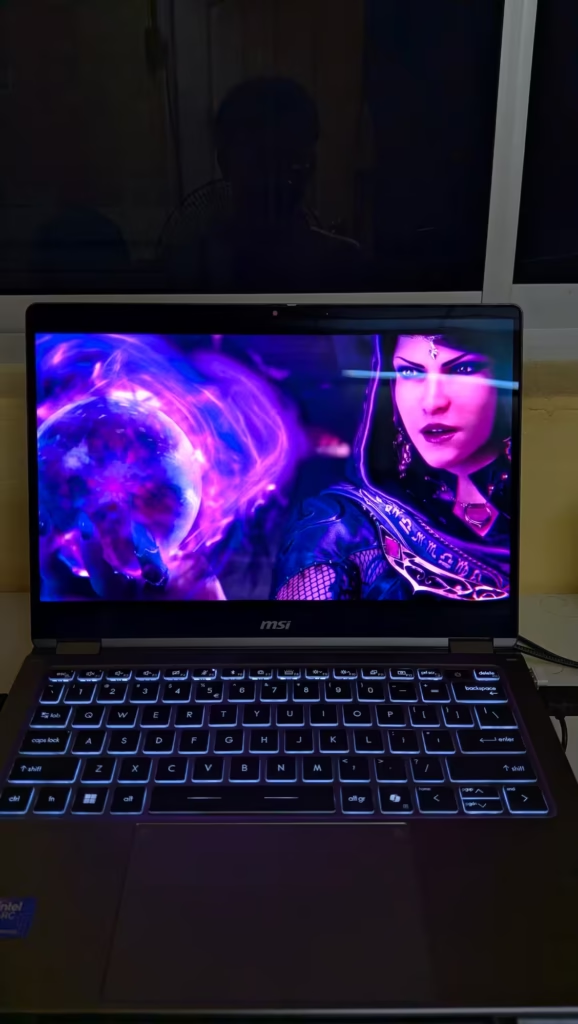
This is where the Prestige 14 Flip AI+ surprised me the most. There is no separate graphics card in here. Instead, the Core Ultra X7 358H comes with Intel’s Arc B390 built in, with 12 Xe3 cores, hardware ray tracing and 16MB of L2 cache. On paper, that sounds like a nice upgrade. In practice, it changes what a slim 2-in-1 can do.
Tekken 8 ran smoothly at 60fps on medium settings. That is as high as the game goes, since Tekken 8 is capped at 60fps, so there was nothing left on the table. Monster Hunter: World held a steady 60fps on high settings, which I did not expect from a laptop this thin. Lighter games like The Sims 4 and Story of Seasons ran at 60fps without breaking a sweat, and so did my PS2 emulators like PCSX2.
Intel’s own numbers for this model back that up. In Intel’s testing at 1080p High settings on Best Performance mode, the Prestige 14 Flip AI+ averaged 48.7fps in Cyberpunk 2077, 83fps in Shadow of the Tomb Raider and 89fps in F1 25. Its 3DMark Time Spy score of 7,632 is nearly double the 4,270 Intel recorded for the Prestige 13 AI+ Evo.
The Arc B390 also supports XeSS 3, Intel’s upscaling tech. Its new Multi-Frame Generation can insert up to three AI-generated frames for every rendered one in supported games. In Intel’s F1 25 test, switching on frame generation and upscaling pushed the average from 89fps to 146fps.
One thing to keep in mind is that the GPU shares the laptop’s 32GB of memory, and Intel itself recommends at least 32GB for Arc B390 systems. So whilst this is not a gaming laptop, it is a laptop that is best suited for switching between work and gaming that does not ask you to pick one.
RAM and Storage
My unit came with 32GB of LPDDR5x memory running at 8533MT/s. It is fast, and it matters here because the Arc GPU borrows from the same pool. The catch is that the RAM is soldered onto the board, so 32GB is what you get for the life of the laptop. For most people, that is plenty.
Storage is a 1TB NVMe PCIe Gen4 SSD, which is quick to boot and quick to load games. The SSD sits in an M.2 slot, so storage is the one part you can upgrade later if 1TB starts to feel tight.
Display Details: OLED, Touch and the Nano Pen
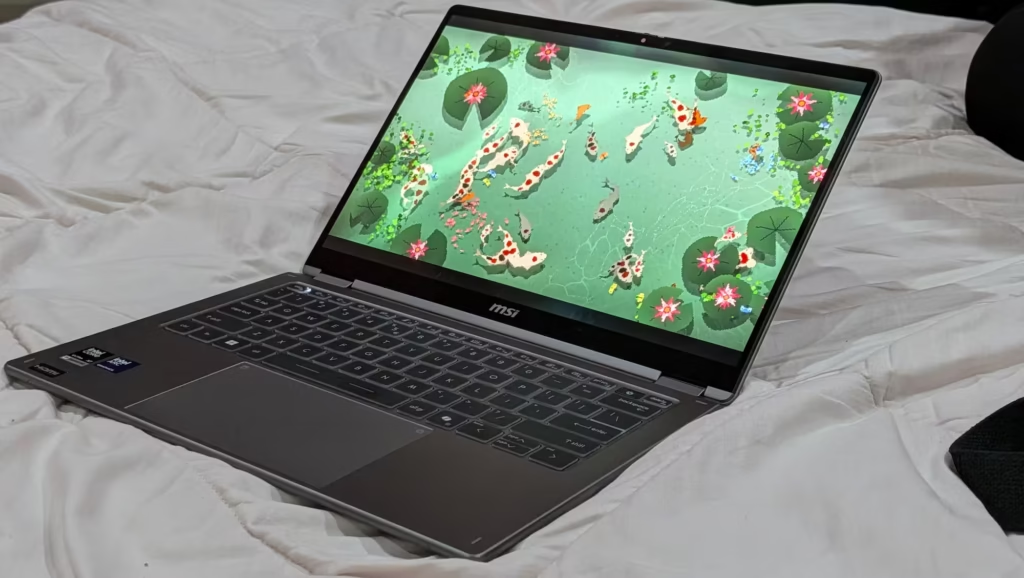
The pen lives inside the laptop, which means I actually used it
The 14-inch screen is an FHD+ (1920 x 1200) OLED panel with a 16:10 aspect ratio and 100% DCI-P3 colour coverage. As an OLED laptop, it delivers the deep blacks and rich colours you would expect, and it is one of the things I enjoyed most about using it. It is also SGS-certified for low blue light and flicker-free viewing, which is welcoming when you spend the whole day writing on it.
But, there are two things worth knowing. The refresh rate is 60Hz, not 120Hz, and the resolution is FHD+ rather than 2.8K. Neither bothered me in daily use, and the lower resolution likely helps the battery, but if you are used to a high-refresh screen, you will notice. That, and the screen is still not that great under the bright sunlight, so if you’re thinking about using it in the broad daylight, I suggest you do it indoors.
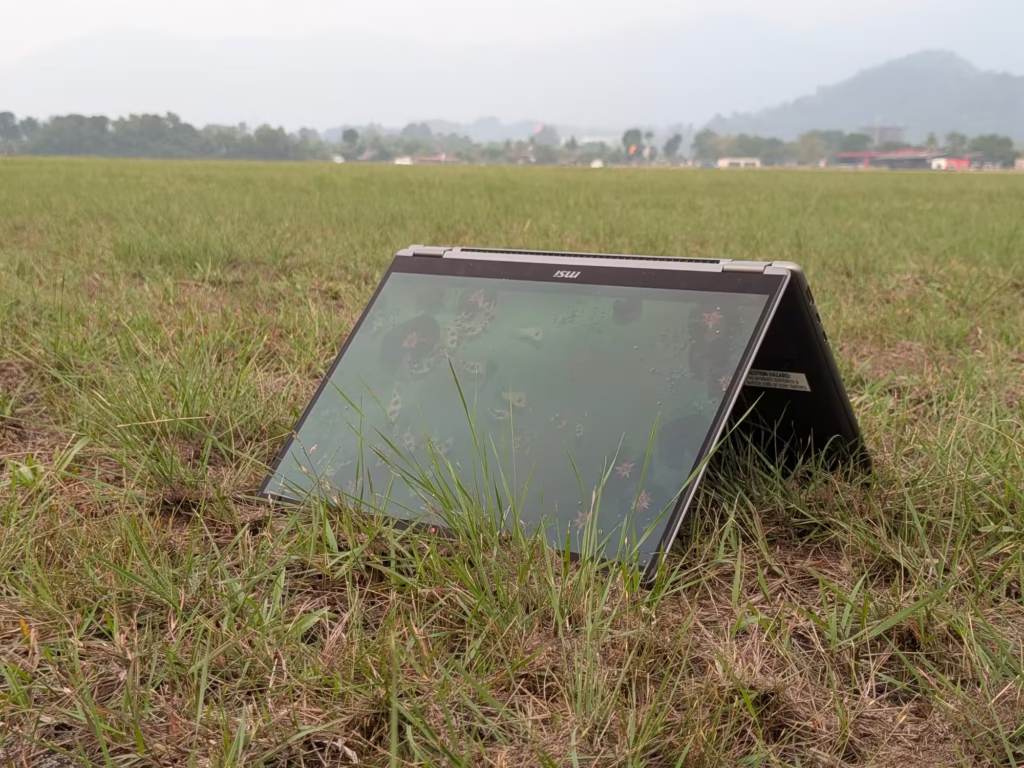
As a touchscreen laptop, it responds quickly and accurately, whether you are scrolling through articles or pinching to zoom into images. The real star, though, is the MSI Nano Pen. It comes in the box and slots into a groove on the laptop itself, where it charges while stored. That sounds like a small detail, but it is the difference between a pen you use and a pen you leave at home.
Taking notes with it is simple: flip the screen back into tablet mode, open a notes app and write as you would on paper. If you have been looking for a laptop touchscreen with pen support that does not need extra accessories, this ticks the box.
Keyboard and Touchpad
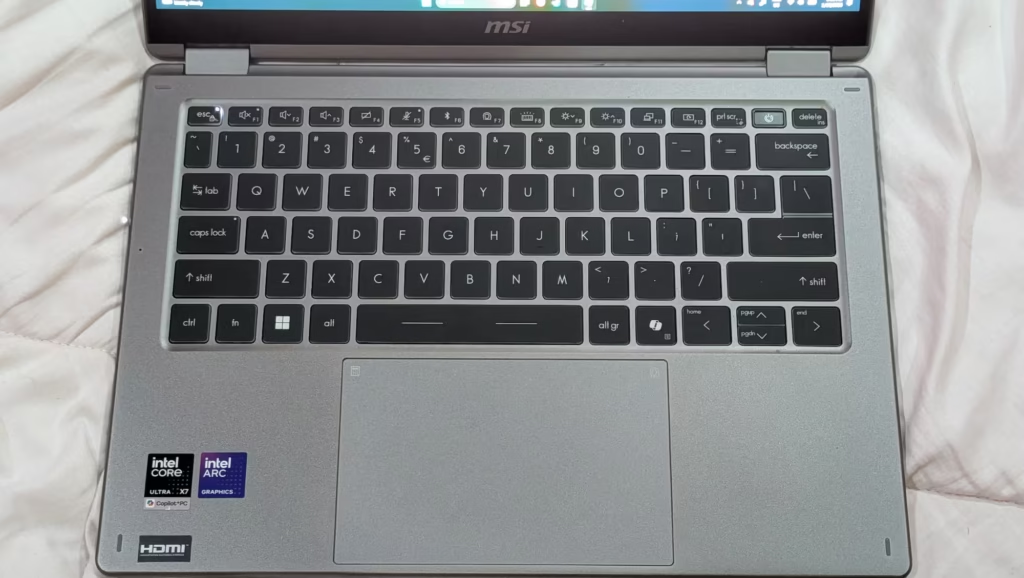
Comfortable enough to type on from morning to evening
As someone who writes for a living, the keyboard is make-or-break for me, and this one makes it. The keys have a comfortable amount of travel and a soft, velvety feel. MSI uses UV-cured, smudge-resistant keycaps, built to resist the shine and grease that daily typing leaves behind. The keyboard is backlit too, which helps when working late.
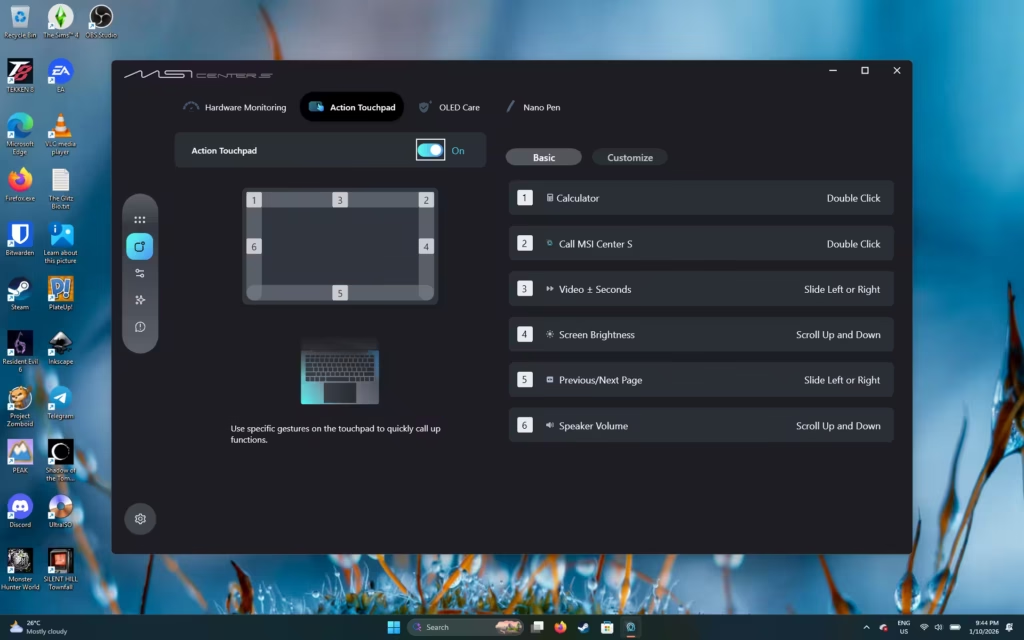
The touchpad is just as good. MSI calls it the Action Touchpad, and by MSI’s own figure it offers 53% more surface area. It is wide, smooth and accurate, and it supports gesture shortcuts on top of the usual Windows ones. Between the touchpad, the touchscreen and the pen, there are plenty of ways to get around without a mouse.
Oh yes, there’s a reason why it’s called the “Action Touchpad”. In MSI Centre S, you can customise certain areas of the touchpad to launch programs of your liking, or to adjust settings according to your preferences. It is a really niche feature, but I had it turned off because I keep opening programs by mistake since my palms are close to the touchpad half the time I’m working.
Cooling System
Quiet most of the time, warm on the left when pushed
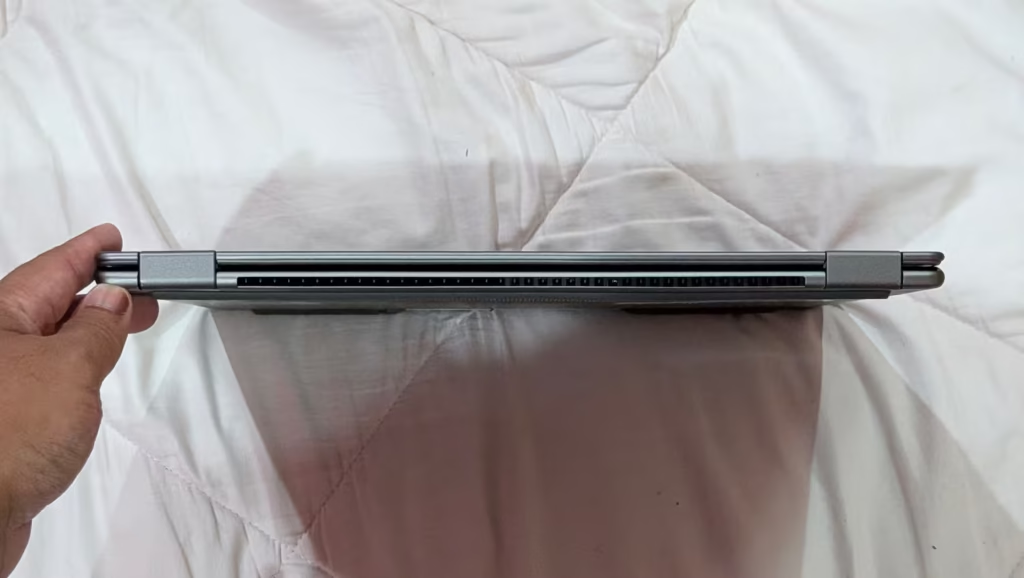
Keeping a slim laptop cool is never easy, and MSI has fitted the Prestige 14 Flip AI+ with a vapour chamber cooler. MSI claims it runs at a near-silent 18dBA in its quietest state and under 26dBA in Balanced mode. During everyday tasks like browsing and writing, heat was never something I had to think about.
Things change when you push it. Running demanding games or heavy programmes like Premiere Pro, the area on the left side of the keyboard, right around the WASD keys, gets the hottest. If you game with the keyboard, your left hand will feel it.
A controller is an easy fix for games, and it is not really that big of a deal for everyday work. For a laptop this thin, the heat has to go somewhere.
Battery Life and Power
It lasted me from morning until late evening
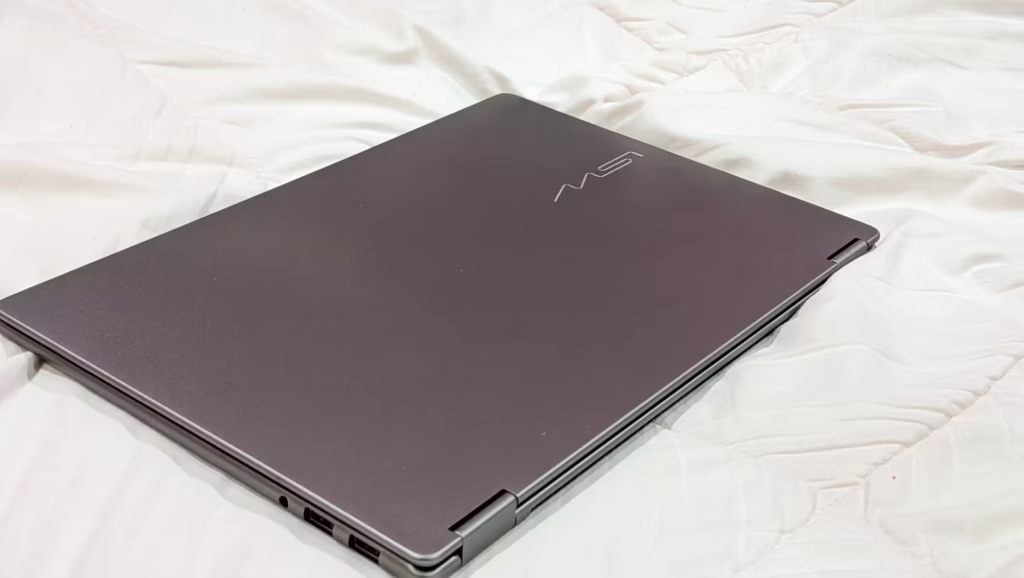
Battery life is one of the best things about the Prestige 14 Flip AI+. It packs an 81Wh battery, which is generous for a laptop this size. On a normal day of browsing the web and writing articles, it easily lasted me the entire day, from morning until late evening. That works out to roughly 8 to 12 hours, and I rarely needed to think about where the nearest plug was.
The official figures are even more optimistic. MSI claims up to 30 hours of 1080p video playback under its own test conditions. Intel’s testing of this model in the Procyon Office Productivity battery test, on the Best Efficiency setting, came in at 982 minutes, or just over 16 hours.
Charging is done over USB-C Power Delivery, and the Malaysian model comes with a 65W adapter in the box. So, if, let’s say you didn’t bring the adapter with you, a power bank that has fast-charging capabilities (or a phone charger) can also be used to charge this device. Gaming on battery will drain it much faster, of course, so plug in for longer sessions.
Connectivity Options
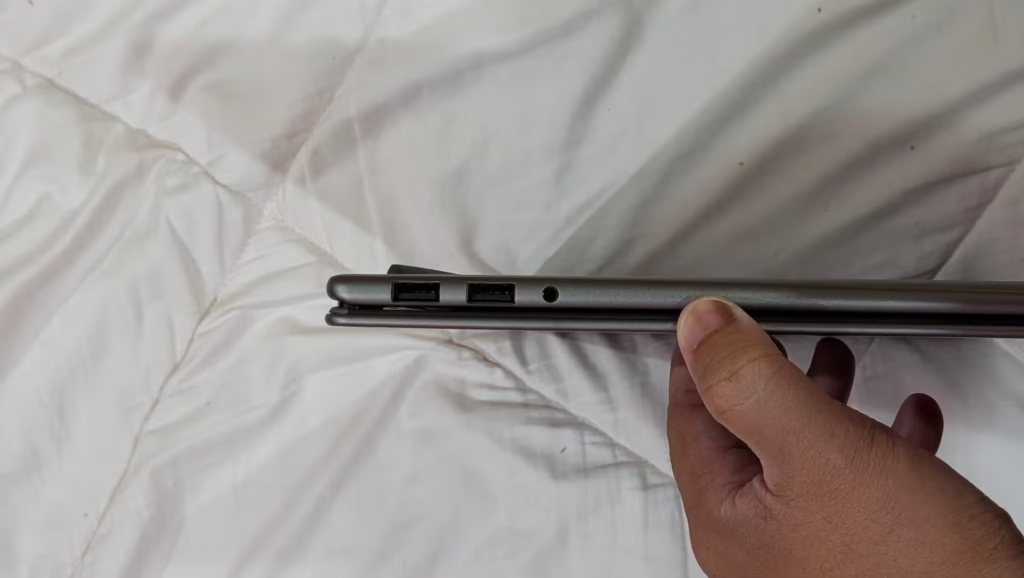
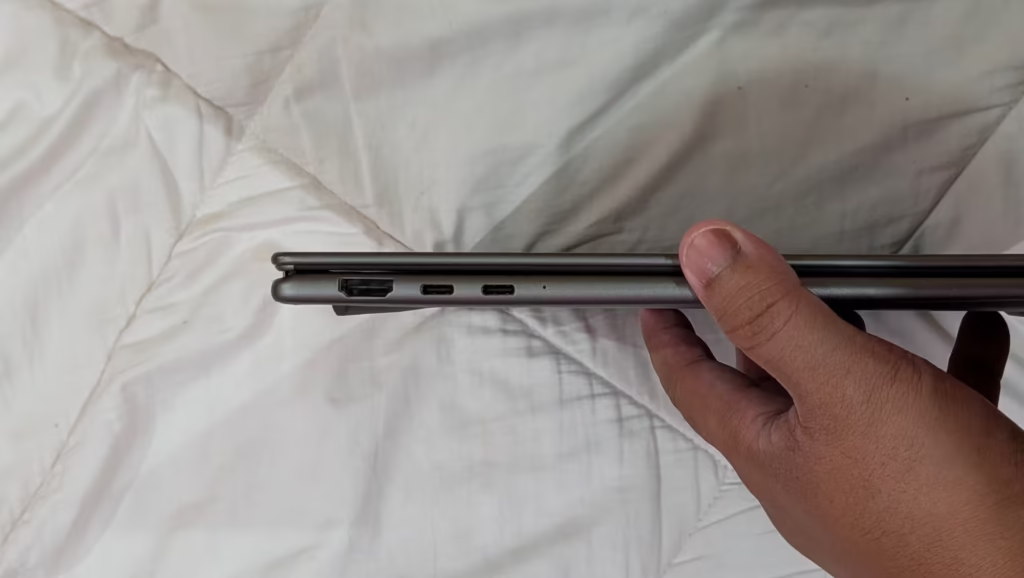
For a slim 2-in-1, the port selection is generous. You get two Thunderbolt 4 ports (both support DisplayPort and charging), two USB 3.2 Gen 2 Type-A ports for older accessories, a full-size HDMI 2.1 port that can drive an 8K display at 60Hz or a 4K display at 120Hz, and a 3.5mm audio jack. The one thing missing is an SD card reader, so photographers will need a dongle.
Wireless is covered by Wi-Fi 7 and Bluetooth 6.0, so it is ready for newer routers and earbuds.
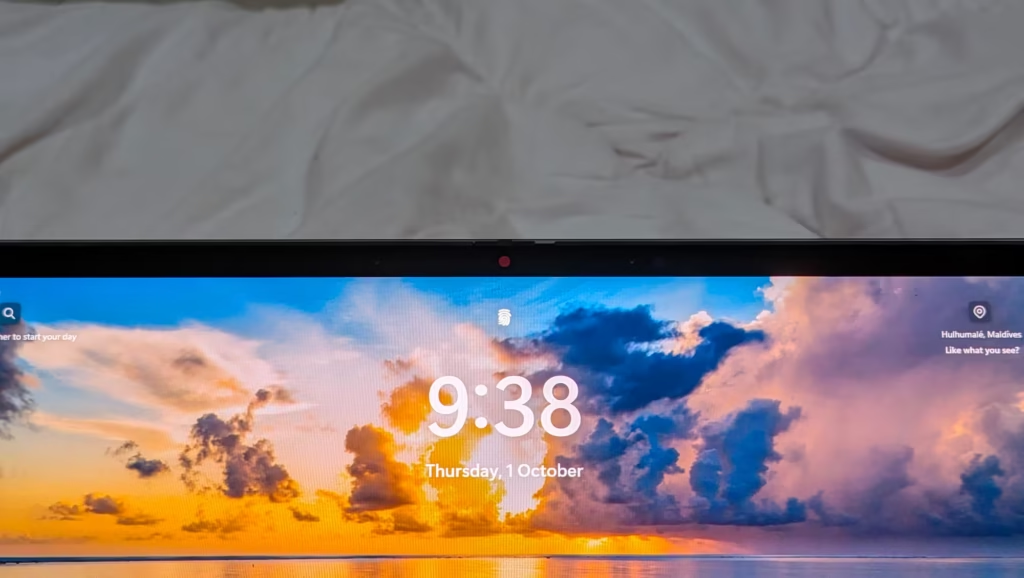
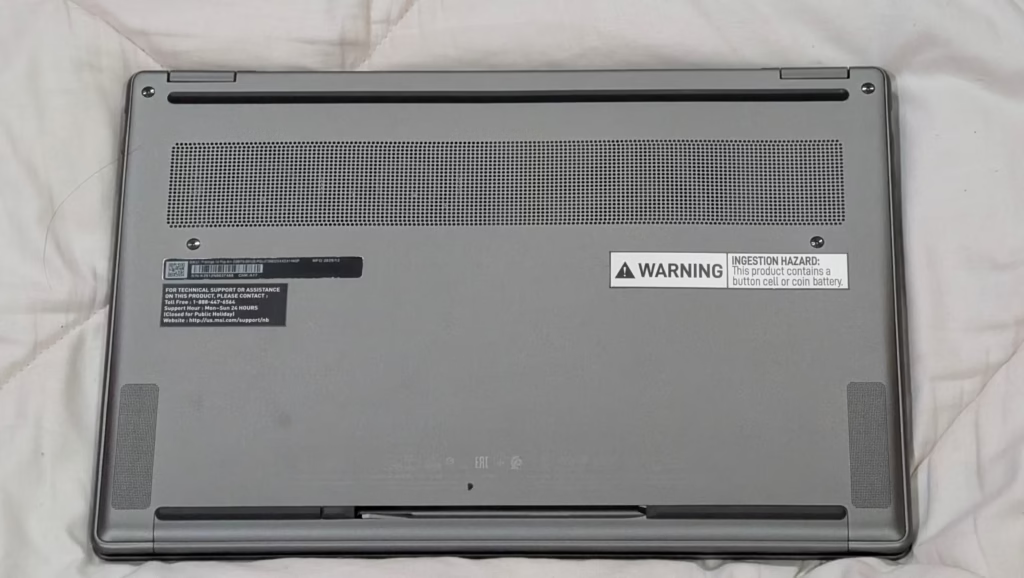
The webcam comes with a physical privacy shutter, and MSI pairs it with a three-microphone array and AI noise cancellation for calls. Audio comes from two 2W speakers and two 2W woofers with Hi-Res Audio certification.
The Compromises You Should Know About
No laptop this thin comes without a catch, and the Prestige 14 Flip AI+ has a few. None of them is a deal-breaker, but they are worth knowing before you buy.
The first is the heat I mentioned earlier. Under heavy loads, the left side of the keyboard around the WASD keys gets warm enough to notice. For writing, browsing and emails, it is a non-issue. For long gaming sessions on the keyboard, a controller or an external keyboard makes life more comfortable (and keeps your hand from being a toasted bun).
The second is the missing numpad. To keep the body this compact and portable, MSI had to leave it out, and that kind of sucks. If you work in spreadsheets all day, budget for a small USB or Bluetooth numpad.
The third is the screen.
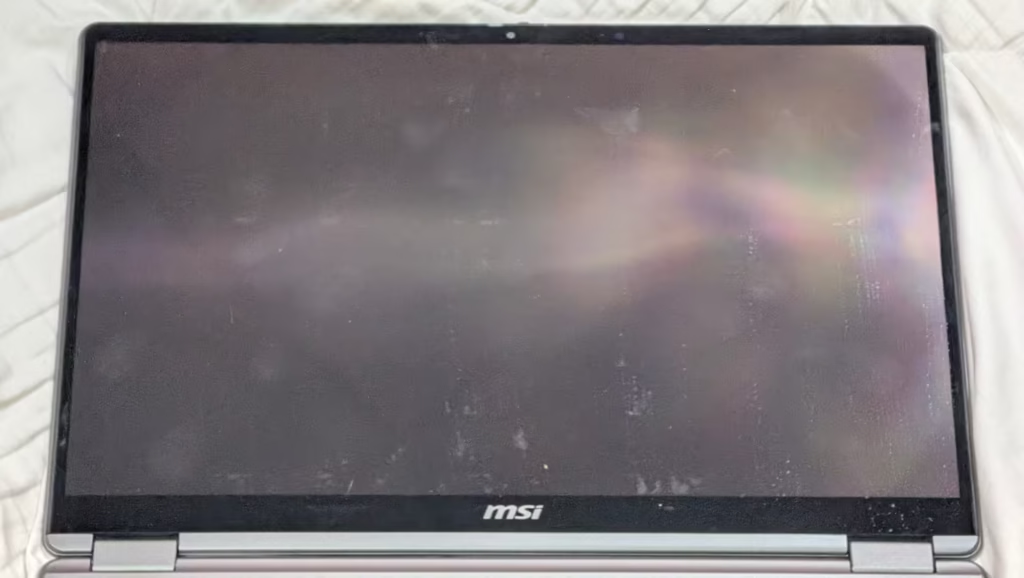
It is a touchscreen device, so it comes with the caveat of having fingerprints all over the screen. They stick, too, so it can get pretty unsightly to look at after using it for quite some time without constant wiping on the screen. So, you might need a screen protector to mitigate this slight setback.
Price and Where to Get It in Malaysia
There is one important thing to clear up here. The unit I reviewed is the US-spec D3MTG-001US, with the Core Ultra X7 358H and Arc B390 graphics. That exact configuration is not what MSI sells in Malaysia.
The standard model on the MSI Malaysia store is the D3MTG-224MY, priced at RM8,899. It comes with an Intel Core Ultra 9 386H, 32GB of RAM, a 1TB SSD, the same 14-inch OLED touchscreen, the MSI Nano Pen, Microsoft Office Home 2024 and a two-year warranty. The key difference is the graphics. The Core Ultra 9 386H uses standard Intel Graphics rather than the Arc B390, so do not expect the same gaming results I got.
If gaming matters to you, look for an Arc B390 configuration instead. Technave lists the Prestige 14 Flip AI+ Starry Night Edition in Malaysia from RM9,999, with an Intel Core Ultra X9 378H and Arc B390 graphics. That is the closest match to the unit I tested.
If you mainly want a touchscreen laptop in Malaysia for work, study and the occasional casual game, the standard RM8,899 model makes more sense. Prices and stock change often, so check the official MSI product page and the MSI Malaysia store before you buy.
Who Should Buy It
The Prestige 14 Flip AI+ suits anyone who wants one device to do the job of a laptop and a tablet. University students who take handwritten notes will get a lot out of the pen and tablet mode, and it is a strong pick on any list of the best laptops for students who can stretch their budget. Hybrid workers and writers will love the keyboard and the all-day battery. Content creators who edit short clips will find enough power for Premiere Pro.
It also makes sense for commuters hunting for a lightweight laptop in Malaysia that does not feel underpowered. At 1.37kg, it is easy to carry between home, office and café.
You should skip it if you want a high-refresh rate screen, or play demanding AAA games for hours at a time. A dedicated gaming laptop will serve you better there.
My Final Take on the MSI Prestige 14 Flip AI+
A 2-in-1 that does not ask you to give anything up
I went into this review expecting a capable work laptop with a hinge. What I got was a convertible laptop that writes, edits, takes notes and plays Tekken 8, all while lasting from morning until late evening on a single charge. I liked almost everything about it: the battery, the OLED display, the keyboard, the touchpad, the Nano Pen and how easy it is to carry.
The compromises are real but small. The left side of the keyboard runs warm under heavy loads, and there is no numpad. If you can live with those, it earns a place on any shortlist of the best 2-in-1 laptop options, and it is a strong choice for anyone shopping for a 2-in-1 laptop in Malaysia.
Just remember to pick the right configuration. If you want the gaming performance I saw, go for an Arc B390 model. If you mainly work and study, the standard model will serve you well.
For two weeks, it has been my work laptop, my notepad and, once the work was done, my Tekken machine. That is a lot of jobs for one 1.37kg device, and it handled every one of them.
As always, thank you for reading!
Frequently Asked Questions
Does the MSI Prestige 14 Flip AI+ have a touch screen?
Yes. It has a 14-inch FHD+ OLED touchscreen that folds back 360 degrees into tablet mode, and it works with the MSI Nano Pen included in the box.
Is the MSI Prestige 14 Flip AI+ upgradable?
Partly. The 32GB of RAM is soldered and cannot be upgraded, but the SSD sits in an M.2 slot and can be swapped for a larger drive.
Is MSI Prestige a good laptop brand?
Prestige is MSI’s premium productivity line, built for work rather than gaming. The Prestige 14 Flip AI+ pairs that focus with a strong OLED screen, a comfortable keyboard and long battery life.
Can the MSI Prestige 14 Flip AI+ run games?
Yes, on Arc B390 configurations. My unit ran Tekken 8 at 60fps on medium and Monster Hunter: World at 60fps on high, though the standard Malaysian model with Intel Graphics will be slower.
How long does the MSI Prestige 14 Flip AI+ battery last?
In my use, the 81Wh battery lasted roughly 8 to 12 hours of browsing and writing. MSI claims up to 30 hours of video playback, and Intel measured just over 16 hours in an office productivity test.
Sources
- MSI Prestige 14 Flip AI+ official product page
- MSI Malaysia store: Prestige 14 Flip AI+ D3MTG-224MY
- Technave: Prestige 14 Flip AI+ Starry Night Edition, Malaysia
- Intel Core Ultra Series 3 Reviewer’s Guide for the MSI Prestige 14 Flip AI+ (January 2026), source of all Intel benchmark figures
About the Author